Source Path Too Long
The source file name(s) are larger than is supported by the file system. Try moving to a location which has a shorter path name, or try renaming to shorter name(s) before attempting this operation.
Solution
The most difficult part was replicating the script.
Windows is pretty good at protecting itself. But thanks to the good folk
at Experts-Exchange’s assistance, I was good to go, attempting to move
or delete the file generated the error you see above.
Method One: Use Robocopy
Robocopy has been built into windows for a while, you can use it with the /MIR flag to remove all your subfolders.MD C:\DELETE-ME
robocopy C:\DELETE-ME C:\{path}\{The Top Level Folder To Delete} /s /mir
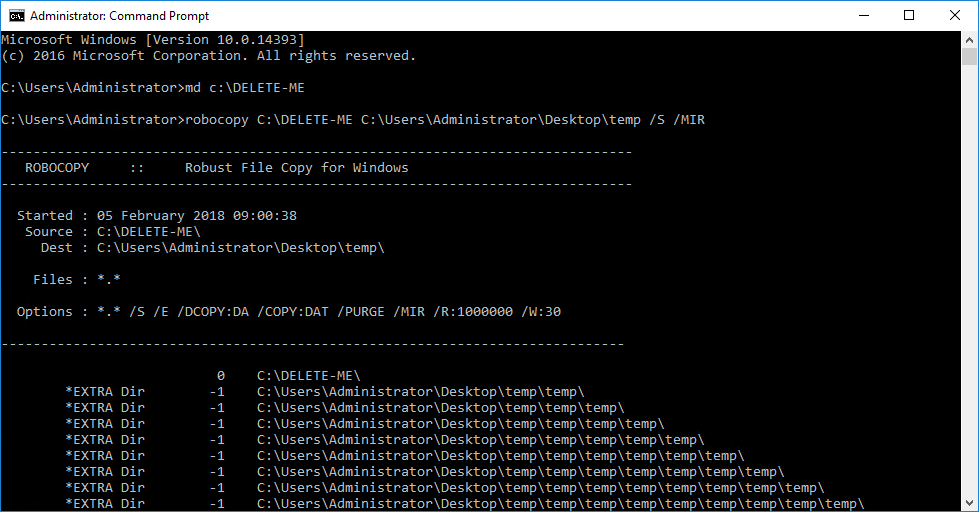
Then you can simply delete the two remaining empty folders
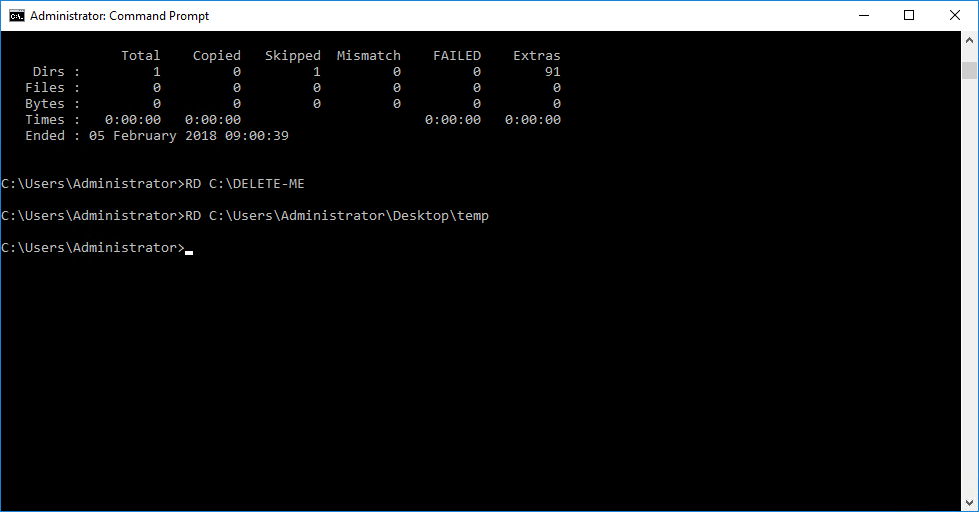
rd C:\DELETE-ME
rd C:\{path}\{The Top Level Folder To Delete}