1. Open C:\Windows\system32 and find the file “mscms.dll“.
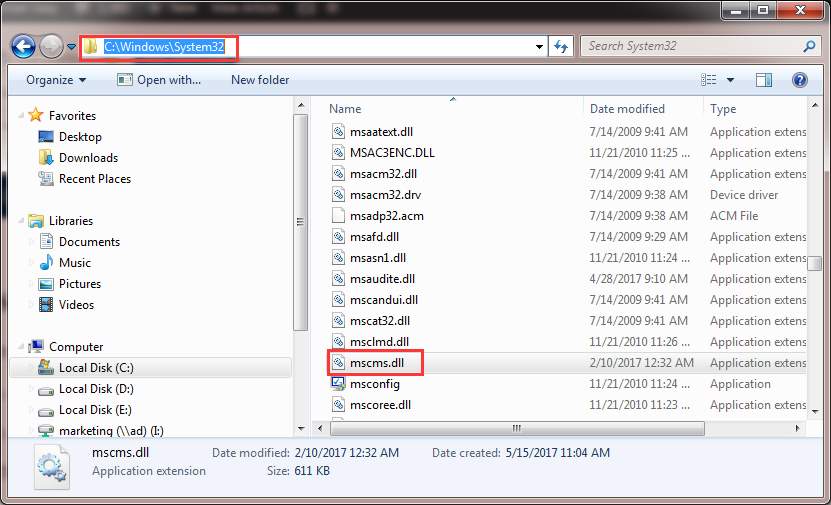
2. Copy the file toe the following path:
C:\windows\system32\spool\drivers\x64\3\ if you are using 64-bit windows
C:\windows\system32\spool\drivers\w32x86\3\ if you are using 32-bit windows
3. Try to connect to the printer again.

No comments:
Post a Comment