Follow these steps:
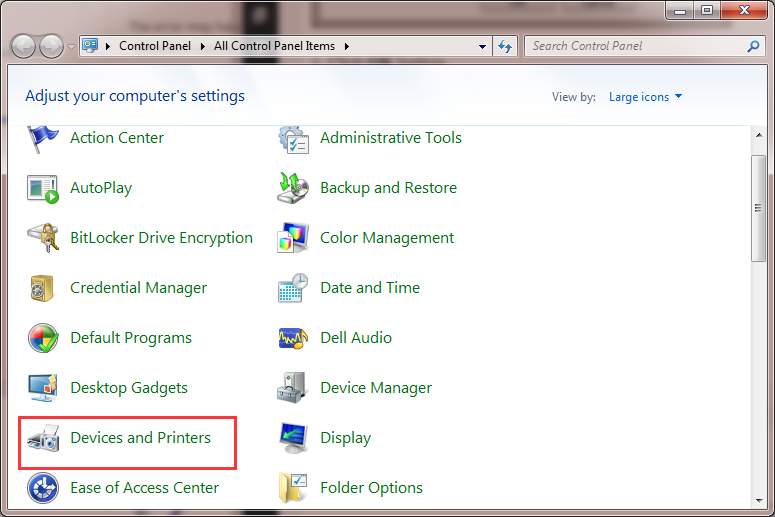
1. Open Control Panel.2. View by Large icons, click Devices and Printers.
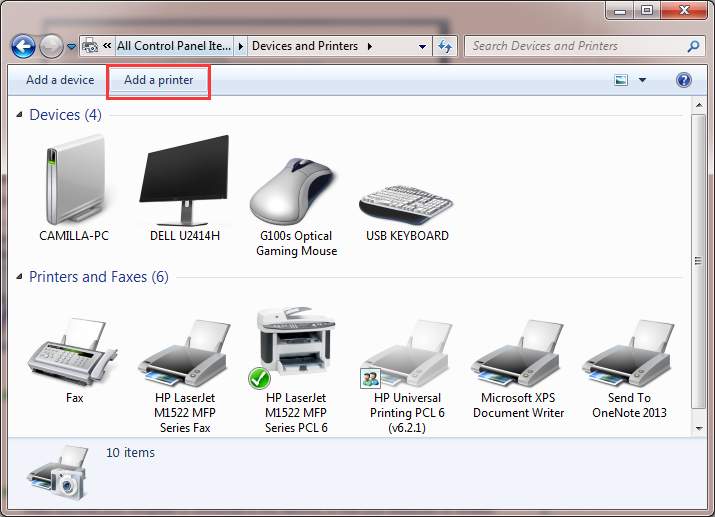
3. Click Add a printer at the top of the window. Note: To continue, you need to login to the computer as an administrator.
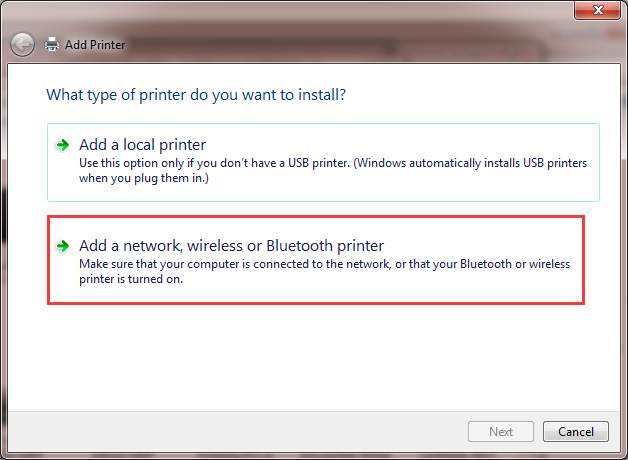
4. Select Add a network, wireless or Bluetooth printer.
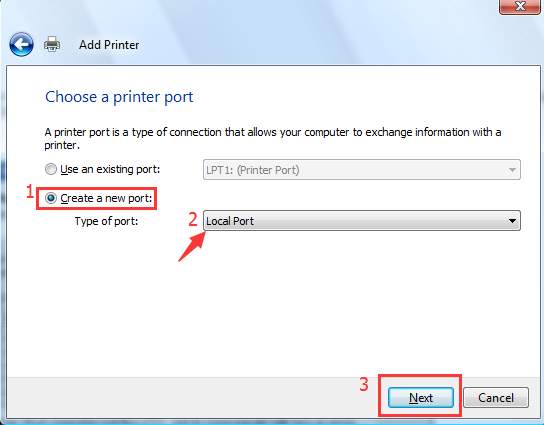
5. Select Create a new port, change the “Type of port” to Local Port then click Next button.
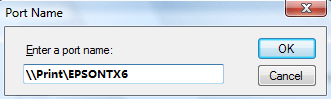
6. Enter a port name in the box. The port name is the printer’s address. The address format is \\IP address or the Computer Name\Printer’s Name (refer to the following screen). Then click OK button.
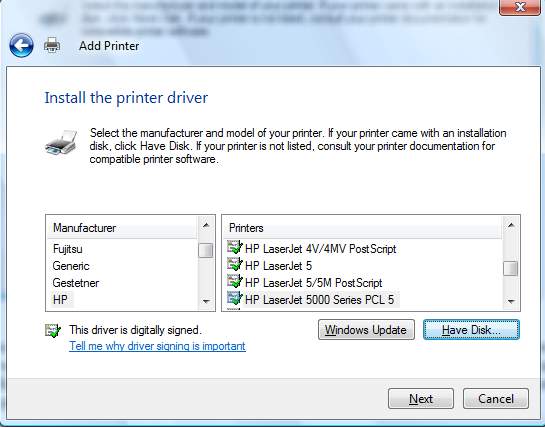
7. Select the printer model from the directory and click Next button.
8. Follow the rest on-screen instructions to finish adding the printer.

No comments:
Post a Comment