The problem can be caused by printer drivers. So you can try to remove the drivers and install them again.
Follow steps below:
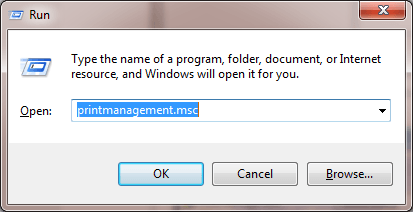
1. Press Win+R (Windows logo key and R key) at the same time. A Run dialog box will open.
2. Type printmanagement.msc in the run box and click OK button.
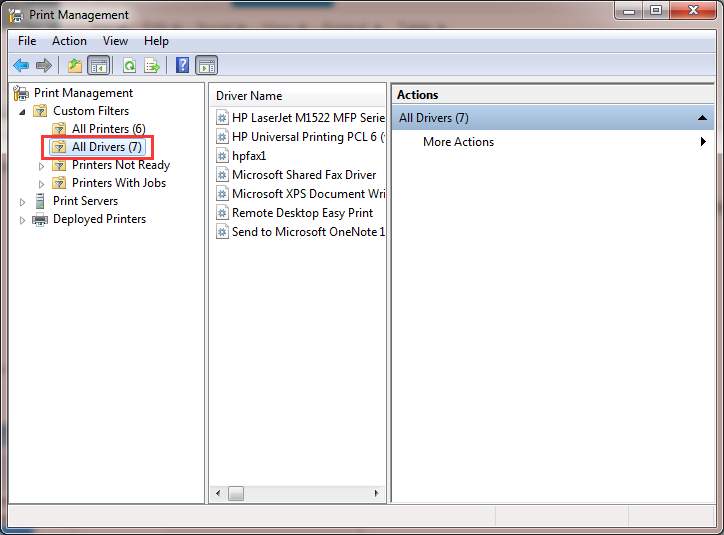
3. In the left pane, click All Drivers.
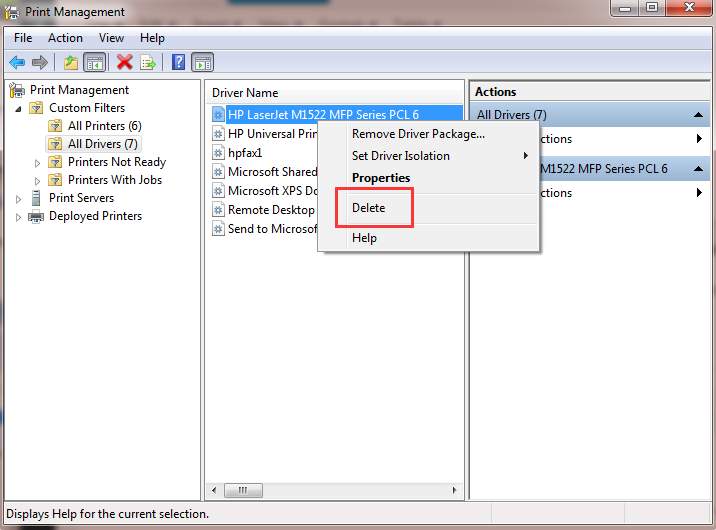
5. Add the printer again.

No comments:
Post a Comment