Hi Guys, I hope you all doing great.
Help me to do famous this blog with sharing and you also can donate a bit for us.
Whenever you are trying to add a network shared printer, if you receive message “Windows cannot connect to the printer.”(commonly in Windows 7),. You can use solutions in this post to fix the problem. Each solution has been reported to be useful. So try all of them until you have the problem fixed.
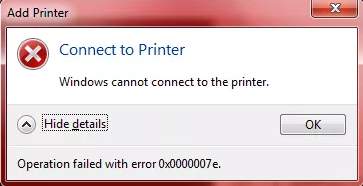
The error would appear with a specific error code like 0x0000007e. The most common error codes are as follows:
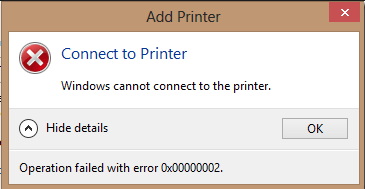 Windows Cannot Connect to the Printer – Operation Failed with Error 0x00000002
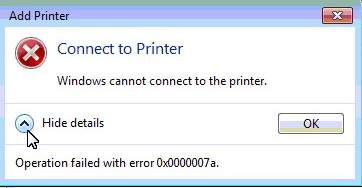 Windows Cannot Connect to the Printer – Operation Failed with Error 0x0000007a
Solution 1:- Restart Printer Spooler Service
Solution 2:- Create New Local Port
Solution 3:- Delete Printer Driver
Solution 4:- Copy “mscms.dll” Manually
Solution 5:- Delete a Subkey
Help me to do famous this blog with sharing and you also can donate a bit for us.
Whenever you are trying to add a network shared printer, if you receive message “Windows cannot connect to the printer.”(commonly in Windows 7),. You can use solutions in this post to fix the problem. Each solution has been reported to be useful. So try all of them until you have the problem fixed.
The error would appear with a specific error code like 0x0000007e. The most common error codes are as follows:
Solution 2:- Create New Local Port
Solution 3:- Delete Printer Driver
Solution 4:- Copy “mscms.dll” Manually
Solution 5:- Delete a Subkey

No comments:
Post a Comment